Download ClubGG for iOS, Android, Windows & macOS
You can download ClubGG free on every major platform — the official ClubGG poker app works on iOS, Android, Windows, and macOS. Pick your device below for the direct download link and installation guide. Need a verified club ID? Message us on Telegram and we'll set you up in 3 minutes.
What you get with the ClubGG app
Before you download ClubGG, it helps to know what you're getting. The ClubGG mobile and desktop app is the official client developed by NSUS Limited — the same company behind GGPoker, the world's largest online poker network. It's free, regularly updated, and signed with valid certificates for every platform.
When you download ClubGG, you get access to the entire ecosystem of private poker clubs and unions. Without the app, you can't play. With it, you only need a 6-digit club ID to start a real-money session within minutes.
Key features built into the app: cross-platform sync (your account works on phone and PC at the same time), HD-quality graphics, multi-tabling support on desktop, live game lobby with format filters, integrated club chat, and full hand history inside the app (note: external tracking software is not allowed).
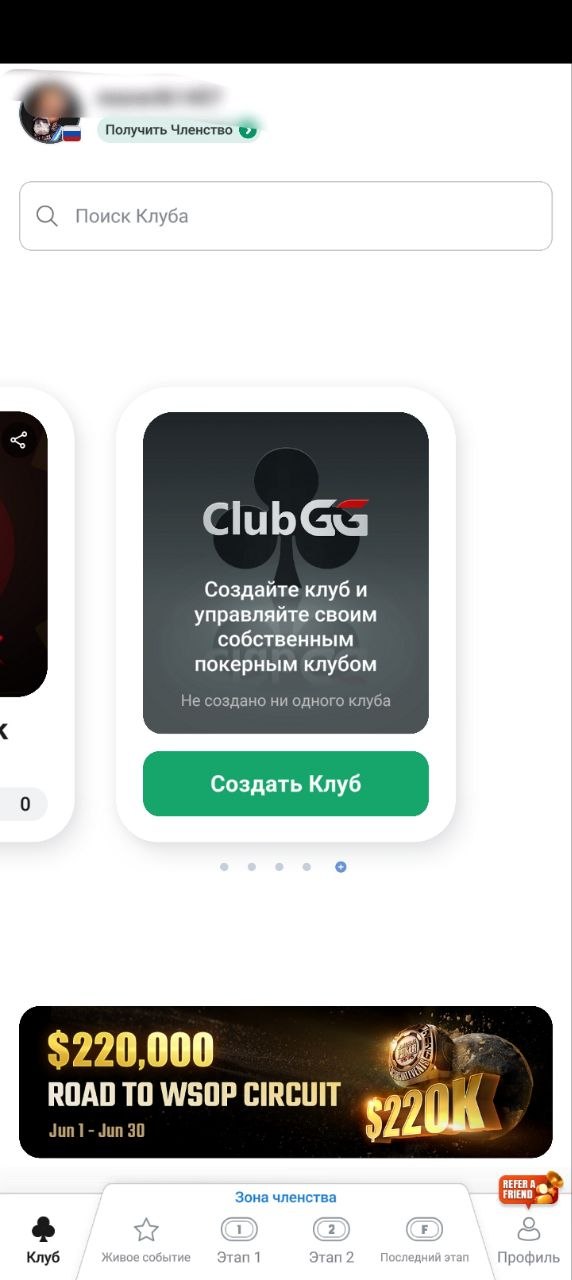
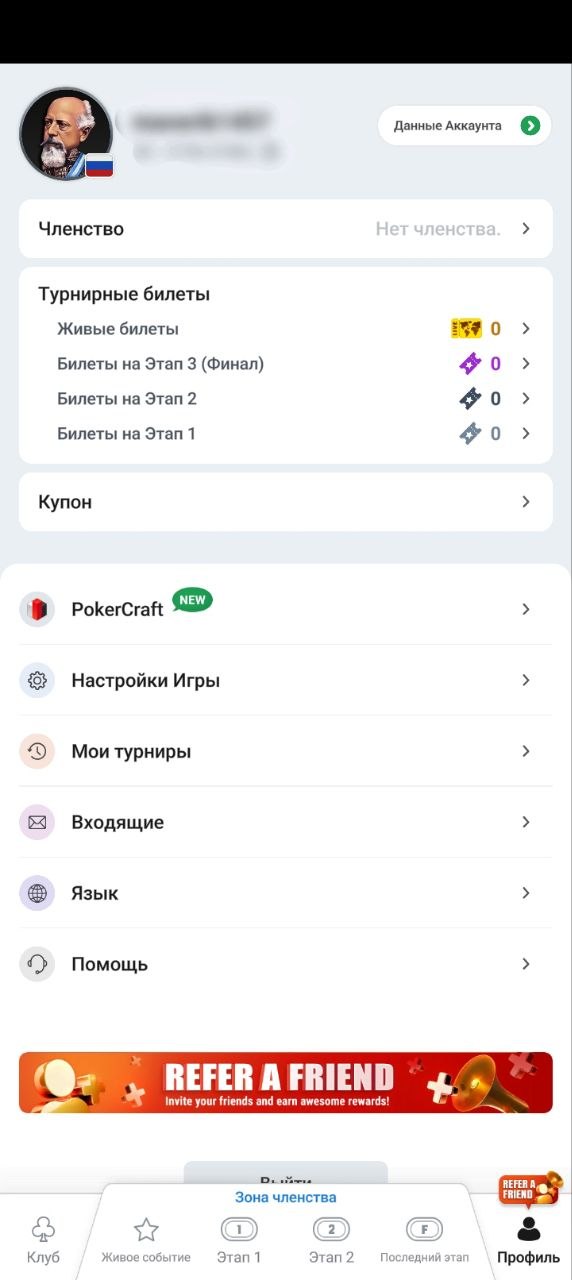
↑ Two screens you'll see right after you download ClubGG and create your account.
Download ClubGG for iOS
How to download ClubGG on iPhone or iPad
- Open the App Store on your iPhone or iPad.
- Search for "ClubGG" — make sure the publisher shows as NSUS Limited.
- Tap "Get" and confirm with Face ID, Touch ID, or your Apple ID password.
- Wait for the download (~150 MB), then tap the icon to open.
- Create your nickname, then message us on Telegram for a verified club ID.
System requirements
App not in your local App Store? Some regions restrict gambling apps. You can switch your App Store country in iCloud settings (no payment method change needed) or message us for an alternative installation method.
Download ClubGG for Android
How to download ClubGG via Google Play
- Open the Google Play Store.
- Search for "ClubGG Poker" — publisher must show as NSUS Limited.
- Tap "Install" and wait for the download (~200 MB).
- Open the app, create your nickname.
- Message us on Telegram for a verified club ID and join in 3 minutes.
How to download ClubGG via official APK
If Google Play doesn't show ClubGG in your country (some regions restrict gambling apps), you can download ClubGG APK directly:
- Go to clubgg.com on your Android device.
- Tap the "Download for Android" button.
- When asked, enable "Install from unknown sources" for your browser (Settings → Security → Unknown sources).
- Open the downloaded APK file and tap "Install".
- Open the app and proceed as normal.
Only use the official APK from clubgg.com. Never install ClubGG from third-party APK mirror sites — they often package malware that compromises your account.
System requirements
Download ClubGG for Windows
Why play on Windows PC?
The desktop client is the choice of most regulars. It supports multi-tabling (open 4-8 tables at once), has a cleaner interface than mobile, and runs more stably during long sessions. If you're planning to grind seriously, install on PC.
How to download ClubGG on Windows
- Go to clubgg.com from your Windows PC.
- Click "Download for Windows" — you'll get a .exe installer (~80 MB).
- Run the .exe. If Windows shows "Windows protected your PC", click "More info" → "Run anyway".
- Follow the installer prompts — accept the license, pick the install folder, click "Install".
- Open ClubGG from your desktop, create your nickname.
- Message us on Telegram for a club ID and start playing.
System requirements
Windows 7 / 8 not supported. If you're on an older version, upgrade to Windows 10 first or use the mobile app instead. ClubGG dropped legacy Windows support in early 2024.
Download ClubGG for macOS
How to download ClubGG on macOS
- Go to clubgg.com from your Mac.
- Click "Download for macOS" — you'll get a .dmg file.
- Double-click the .dmg to mount it, then drag ClubGG into your Applications folder.
- On first launch, if macOS blocks the app, go to System Preferences → Security & Privacy → General and click "Open Anyway".
- Create your nickname and message us on Telegram for a verified club ID.
System requirements
"App can't be opened" error? The app is signed but not always notarized for the latest macOS. Go to System Preferences → Security & Privacy, you'll see a message about ClubGG — just click "Open Anyway" and confirm.
Common installation questions
Most ClubGG download and installation processes go through without any issues. Here are answers to the questions we get most often when players are setting up ClubGG for the first time.
Yes, the ClubGG application is completely free on all platforms — iOS, Android, Windows, and macOS. There's no in-app purchase requirement, no subscription, no trial period. The only thing that costs money is joining a real-money club, and even that is optional (you can play fun-money games for free).
Some countries restrict gambling-related apps in their official app stores. If ClubGG doesn't appear in your region's store, you have two options: change your store country in account settings, or download the official APK directly from clubgg.com for Android. iOS users can switch App Store region without changing payment methods. Message us if you need help.
Yes. Your ClubGG account works across all devices — iOS, Android, Windows, and macOS all sync automatically. You can start a session on your phone during commute and continue on PC at home. Many regulars keep ClubGG on both desktop (for multi-tabling) and mobile (for quick sessions away from the computer).
ClubGG releases updates roughly every 4-6 weeks, fixing bugs and adding features. When an update is required, you can't log in until you install it. On iOS/Android, open the App Store / Google Play and tap "Update". On desktop, the app should prompt you with a direct download link, or you can re-download the latest version from clubgg.com.
The official ClubGG app from NSUS Limited is signed with valid developer certificates on every platform — Apple Developer for iOS/macOS, Google Play Protect for Android, and Microsoft SmartScreen for Windows. As long as you download from official sources (App Store, Google Play, clubgg.com), there's no security risk. The danger comes only from third-party APK sites or "modified" clients — never use those.
Yes, freely. Your account, club memberships, in-app balance, and history are all stored on ClubGG servers, not on your device. Uninstalling the app doesn't delete anything — just log back in with your nickname and password after reinstalling, and everything is right where you left it.
Try these in order: (1) Check you have at least 200 MB of free storage. (2) Restart your device. (3) Check your internet connection — ClubGG needs a stable connection. (4) Uninstall and reinstall the app. (5) If still not working, message us with your device model and OS version, and we'll help you troubleshoot.
You can download ClubGG. Now join a club.
Once you download ClubGG to your device, the next step is getting a verified club ID — without one, you can't play for real money. We'll match you to the right club in under 3 minutes on Telegram.
Get my club ID on Telegram